
This article refers to our legacy product, Forms Manager. For the best Finalsite experience, we recommend using our newest product, Forms, which is already available to you in your modules list. To learn more, please review "Which forms module do I have: New Forms or Legacy Forms Manager?"
You can change how a form appears by using the Build & Edit tab of the form.
-
Open the Form Layout section near the top of the screen.
-
Click the Form Width value to open the modal window.
-
Manually set the width with the the slider, or use one of the given presets.
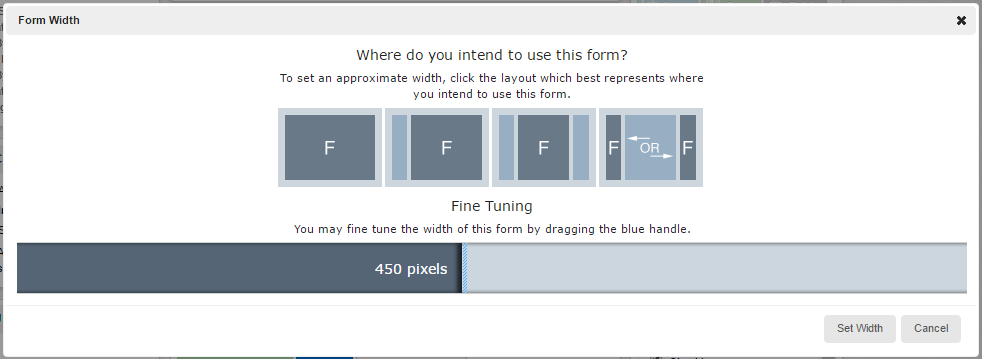
- Save and publish the form to use the new measurements.
Comments
Please Sign in to leave a comment if you don't see the comment box below.