
This article explains the "Checking your browser before accessing" message that Finalsite's Cloudflare DDoS protection can display, including why it appears and how to submit a Support ticket with the Ray ID if you believe it's shown in error.
💡Quick answers
- Why does a "Checking your browser before accessing" message appear? Finalsite uses Cloudflare for DDoS protection and limits the number of requests per second to protect your website, so this message can appear when that request limit is exceeded.
- Is this message a sign the website has been hacked? No, it is a rate limiting protection triggered by Cloudflare, not an indication of a security breach on your site.
- What should you do if you see this message unexpectedly? Submit a Support ticket and include the Ray ID shown in the error message so Finalsite can investigate why the message appeared.
Finalsite uses Cloudflare for DDoS protection. We limit the number of requests per second to protect your website against DDoS attacks. If you exceed that number, you may see the following message:
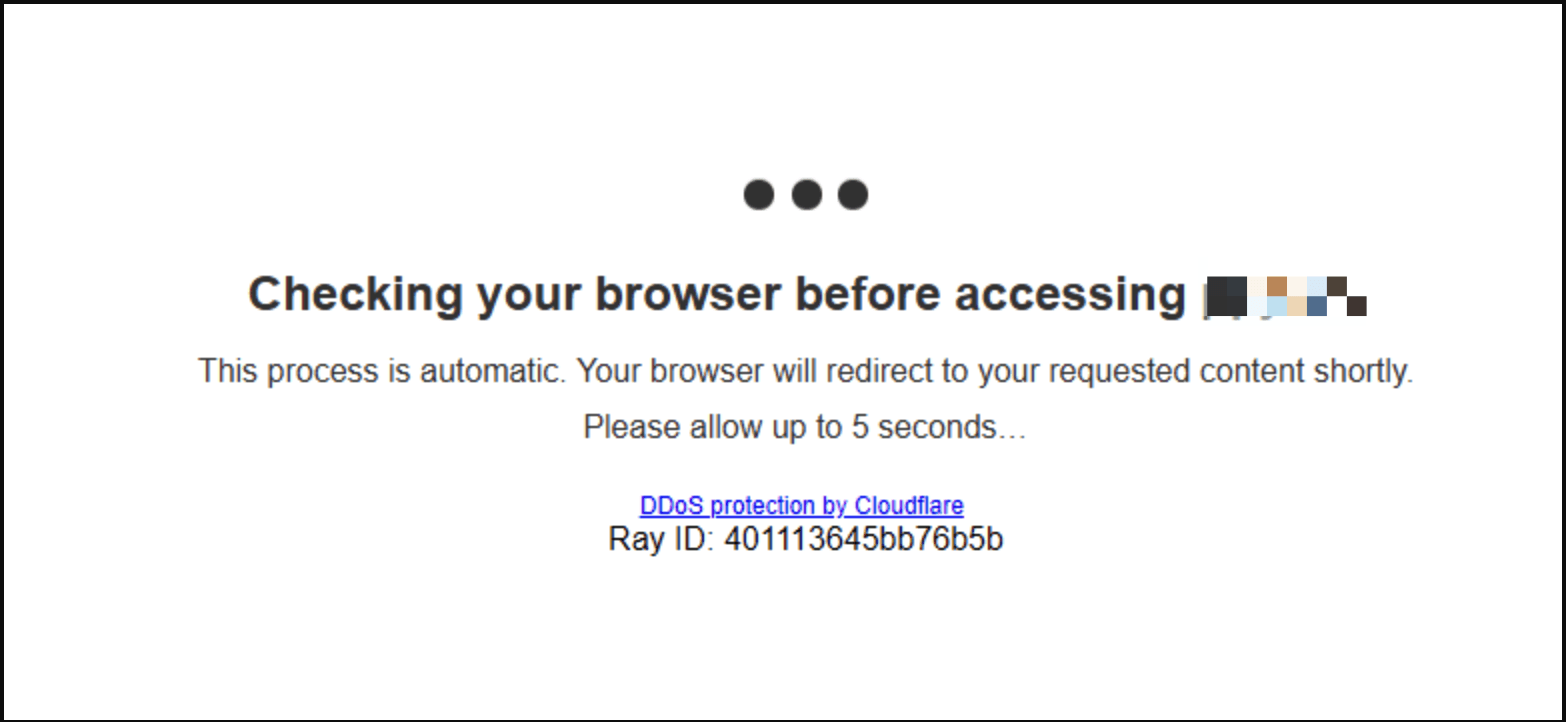
If you believe that you are seeing this message incorrectly, please submit a Support ticket and include the Ray ID as shown in the image.
Comments
Please Sign in to leave a comment if you don't see the comment box below.